SAMS Odisha Student Login — Official Portal, Login Steps and Important Information
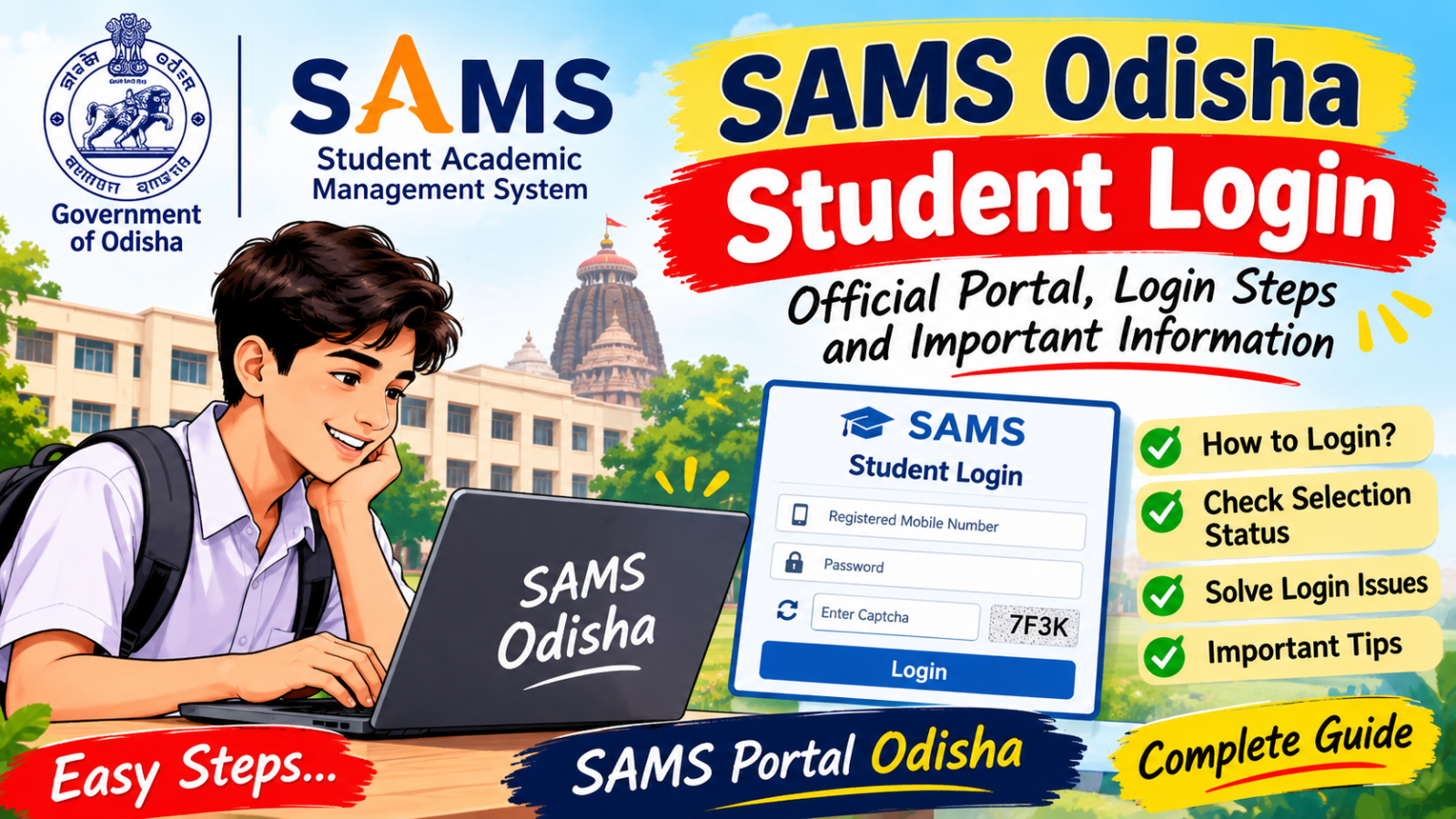
SAMS Odisha Student Login — Official Portal, Login Steps and Important Information
A student may spend years preparing for an examination. Yet, when the time comes to check an admission result, a forgotten password can suddenly become the most difficult subject in the syllabus.
This is where the SAMS Odisha student login becomes important.
SAMS helps students in Odisha apply for admission, check their selection status and complete other admission-related tasks online. But finding the correct page is the first step. Let us understand how the system works, where to log in and what to do when something goes wrong.
What Is the SAMS Odisha Portal?
SAMS stands for Student Academic Management System. It is an online platform used by the Government of Odisha to manage admission processes across several educational departments.
The official "SAMS Odisha portal" (https://www.samsodisha.gov.in/) brings different education services together. These include undergraduate degree courses, higher secondary education, teacher education, ITI, diploma courses and physical education.
In earlier times, students often had to visit different offices to ask about forms, merit lists and admission dates. An online system makes many of these tasks easier. Students can find information, submit applications and check their admission status through the relevant services.
However, one important fact should be remembered: not every student uses the same login page. The correct page depends on the course and department.
Official SAMS Odisha Student Login Link
Students should begin with the official website rather than clicking on random links shared on social media.
Official website: https://www.samsodisha.gov.in/
Selection status and results: https://results.samsodisha.gov.in/
Undergraduate admission information: https://degree.samsodisha.gov.in/
The main portal lists different educational services. Choose the section that matches your course before looking for the login option.
For example, a student applying for a degree course should look for the Higher Education section. A student applying for higher secondary admission should select the relevant School and Mass Education service.
The results website also provides separate options for checking selection status for Higher Secondary (+2) and Degree (+3) admissions.
Always check that the website address is correct before entering your personal details.
How to Complete SAMS Student Login
The process may differ slightly between departments, but the following steps explain the usual method.
Step 1: Open the official website
Visit https://www.samsodisha.gov.in/ using your mobile phone or computer.
Step 2: Select your course
Find the correct department or admission section. Do not select a course simply because its login page appears first.
Step 3: Open the student login page
Look for the Student Login or Applicant Login option provided for your course.
Step 4: Enter your login details
Depending on the service, you may need your registered mobile number, password or other requested information.
Step 5: Complete the security check
Some login pages ask you to enter a CAPTCHA. Copy the displayed characters carefully into the box.
Step 6: Sign in
Submit the information and wait for your account to open.
Step 7: Check your information
Once logged in, look for the available services, such as application details, selection status, admission instructions or other course-related information.
Remember that the services available depend on your department and the current admission stage.
What Can Students Do After SAMS Login?
The SAMS portal is more than a place to enter a password. It helps students follow important stages of the admission process.
Here are some common uses:
- Application details: Review information connected with your admission application.
- Selection status: Check whether you have been selected when the relevant result is published.
- Admission instructions: Read the next steps provided to selected applicants.
- Intimation letters: Download the required letter when it becomes available for your admission process.
- Important notices: Check official announcements about applications, selection rounds and deadlines.
Not every feature is available throughout the year. Some services open only during a particular admission period.
A sensible student checks the official notice instead of relying on an old screenshot or a message forwarded by a friend.
SAMS Login Not Working? Try These Solutions
Technology is a wonderful servant, but occasionally it behaves like a clerk who has misplaced the only key to the office.
If your SAMS login does not work, try these simple solutions.
1. Check your mobile number and password.
Make sure that you have entered the details associated with the correct account. Check for typing errors and unnecessary spaces.
2. Enter the CAPTCHA again.
The characters may be difficult to read. Refresh the security check if the website provides that option.
3. Use the correct login page.
A login page for teacher education, ITI or another service may not accept the details used for undergraduate admission. Return to the main portal and select your course.
4. Reset your forgotten password.
If the page offers a Forgot Password option, follow its instructions. You may need access to your registered mobile number or email address.
5. Try again later.
The website may be temporarily unavailable because of maintenance, heavy traffic or a technical problem. Wait a while and try again.
If the problem continues, contact the official helpdesk or the relevant institution.
Never share your password or OTP with strangers who claim they can fix your account.
How to Check SAMS Odisha Selection Status
Students waiting for admission results should visit the official results website:
https://results.samsodisha.gov.in/
Choose the appropriate option for Higher Secondary (+2) or Degree (+3), depending on your application.
Follow the instructions displayed on the website and enter the requested details. If the selection information has been published, check your status carefully.
If you are selected, read the admission instructions and note the deadline. Selection does not always mean that every admission formality has been completed.
You may still need to pay the required fee, download an intimation letter or report to the allotted institution within the notified period.
If your name does not appear, check the official notice before drawing any conclusion. The result may not have been published yet, or another selection round may be scheduled.
Important Tips for Every SAMS Student
Keep your registered mobile number active. Save a copy of your application details and payment receipt. Check your name, date of birth and other information carefully before submitting a form.
Also, read the admission notice before making a payment. Application fees, deadlines and document requirements may differ according to the course and admission session.
Do not trust websites that promise guaranteed admission or ask for your password to check your result. Use the official portal for genuine information.
For admission-related assistance, the SAMS website lists the toll-free helpline numbers 155335 and 1800-345-6770. Check the relevant department's official page for the support available for your course.
Final Words
The SAMS Odisha portal makes several admission-related tasks easier by bringing educational services online. Whether you want to apply for a course, check a selection list or follow admission instructions, the first step is to choose the correct service.
The phrase SAMS student login may look like a small search on the internet, but the information behind it can be important for a student's future.
Visit the official website, enter the correct details and follow the published instructions. A little care today can save a great deal of confusion tomorrow.
Online and home tutors for 2,700+ subjects. Book a free trial class today. tutormitra.com →